5 tips for a better Wi-Fi network for your home office
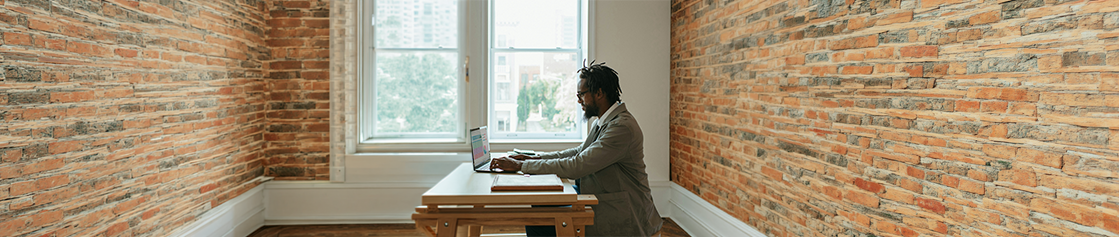
March 24, 2026 - Do you work from home and find that your internet sometimes holds you back? You're not alone. Slow or unstable Wi-Fi can significantly reduce productivity and cause frustration. Fortunately, there is an easy solution. With the right tips and smart choices, you can get the most out of your home network, allowing you to video call, upload files, or stream without interruptions. Below are six practical tips to optimize your home Wi-Fi and determine which access point is best for your home, as well as how many you need.
1. Identify the problem and map out your devices
Before you start improving your network, it is important to know what you need. Ask yourself these questions:
- What tasks do you want to perform at home? Think of uploading large files or attending video meetings.
- Do your devices support the latest Wi-Fi bands (5GHz or 6GHz)? Older devices can slow down the network.
- Is your internet speed sufficient for everyone in the house at the same time? Test this using a speed test on Google, for example.
Pro tip: If your home internet is not fast enough, even the best Wi-Fi network won't help. In that case, consider using 5G with, one of the routers of Teltonika.
2. Check your goals
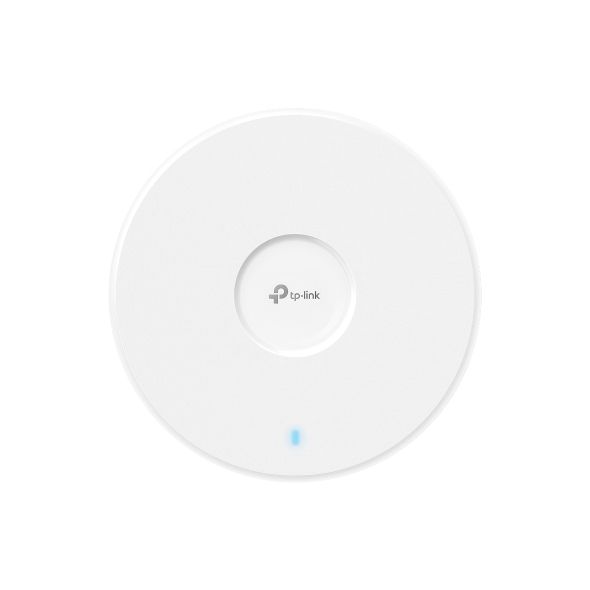
Think carefully about what you want to achieve. Do you want the exact same experience at home as in the office? If so, you need to look at your current network devices and their capabilities. Not every access point, for instance, supports the 6 GHz band, the fastest one available today. Furthermore, the number of people online simultaneously can impact your speed. By mapping this out beforehand, you will know exactly what you need and avoid investing in a network that you won't fully utilize.
3. Cable what can be cabled
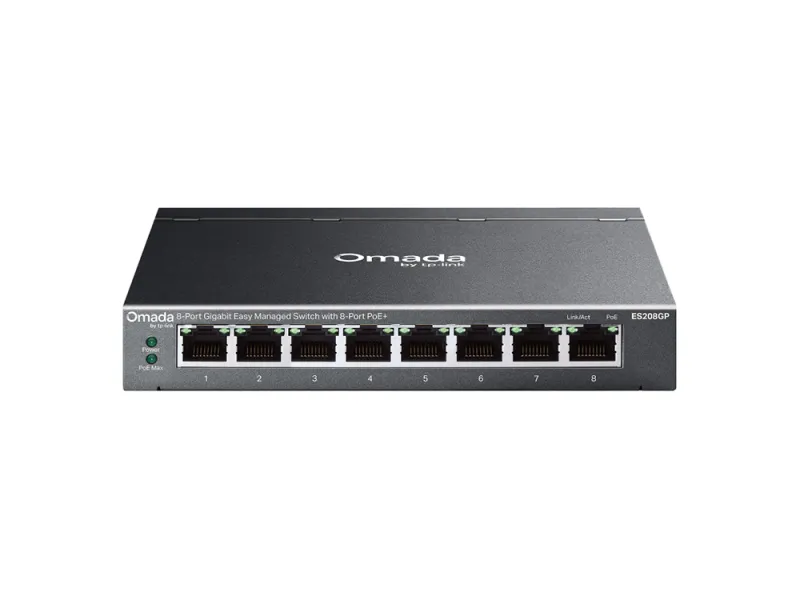
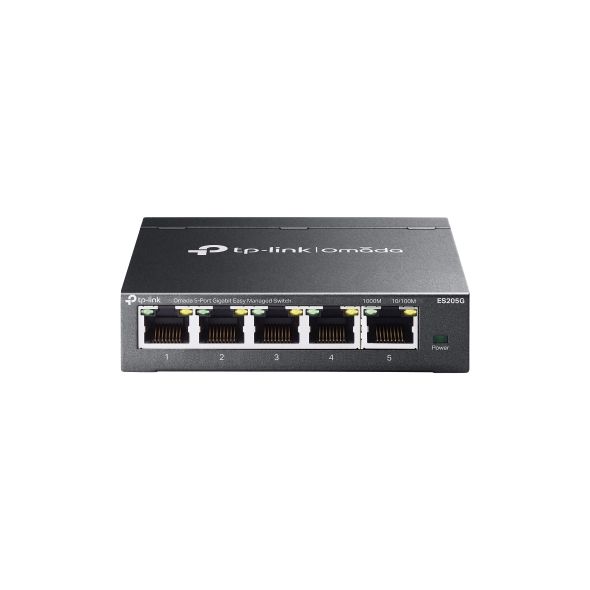
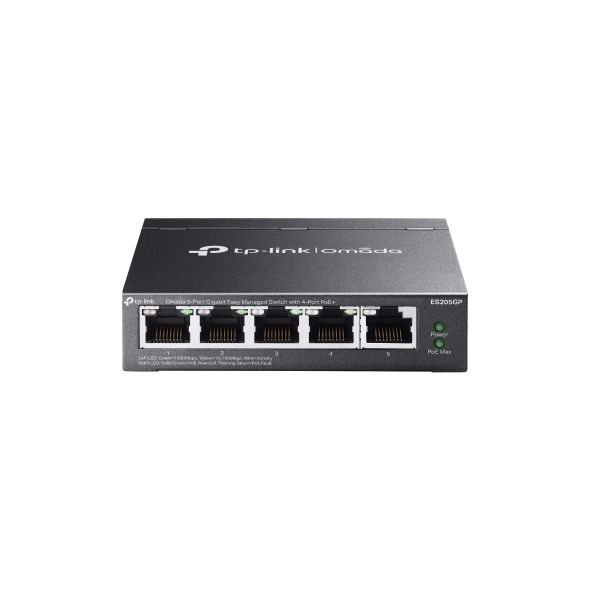
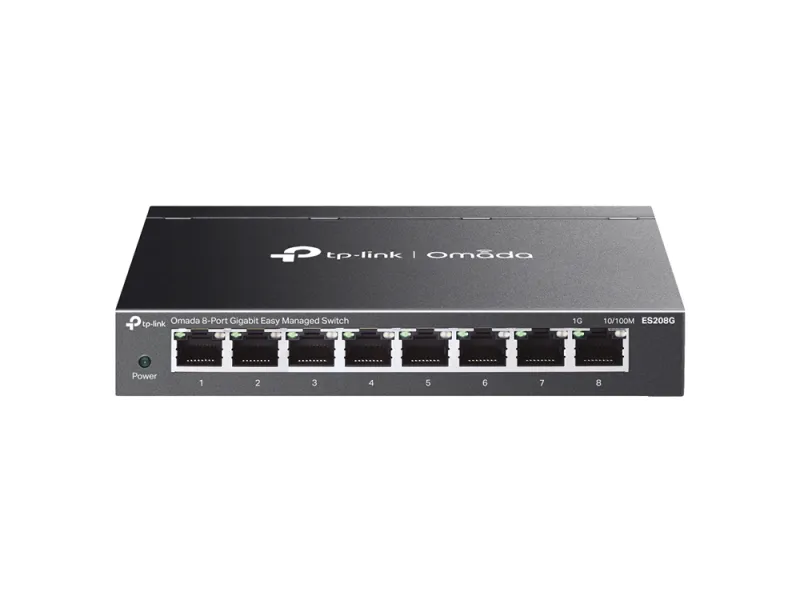
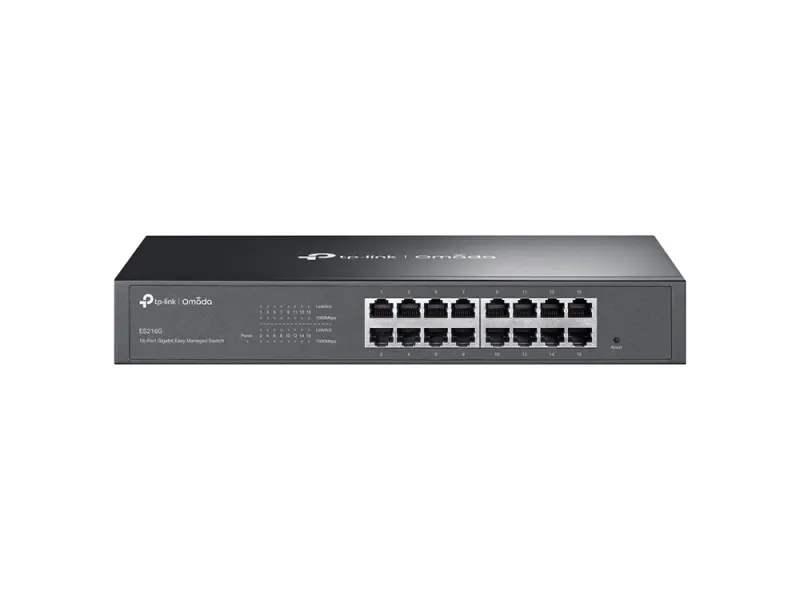
Wi-Fi is convenient, but a wired connection remains more stable and faster. Connect devices like PCs or TVs via Ethernet, leaving your wireless network free for laptops, phones, and tablets. Don't have enough ports? Add a switch that meets your speed requirements, such as Multi-Gigabit or PoE for your access points.
4. Test your internet speed
A slow connection is often the culprit behind frustration. Simply ensure that everyone in the house can be online simultaneously without internet hiccups. As a guideline:
- 50 Mbit/s: enough for one person working from home.
- 100 Mbit/s: ideal for two people working simultaneously.
- 200 Mbit/s: stable for multiple users at once.
- 500 Mbit/s: perfect for families that stream, game, video call, and work from home frequently.
5. The details of the network
The right settings make your Wi-Fi faster, more stable, and more secure. Note:
- Channel selection: choose a quiet channel or use band-steering for 5GHz devices.
- Data rates: disable outdated data rates to save speed.
- Quality of Service (QoS): prioritize important traffic such as video calls.
Additionally, security is crucial. Use WPA2 or WPA3 and ensure a secure VPN connection to the office. This keeps company data safe and prevents old devices from slowing down your network.
Your next step
Do you want to be sure which access point is best for your home and how many you need? At Alcadis, we are happy to help. We can come by and create a heatmap of your signal strength, so you can see exactly where your network is strongest. This way, you will know exactly how many APs you need and where best to place them.
Get in touch today via sales@alcadis.nl or call 030 – 65 85 125 for no-obligation advice. Soon, you will be working from home without interruptions, faster and more securely than ever!
Refine by
Display prices in:EUR